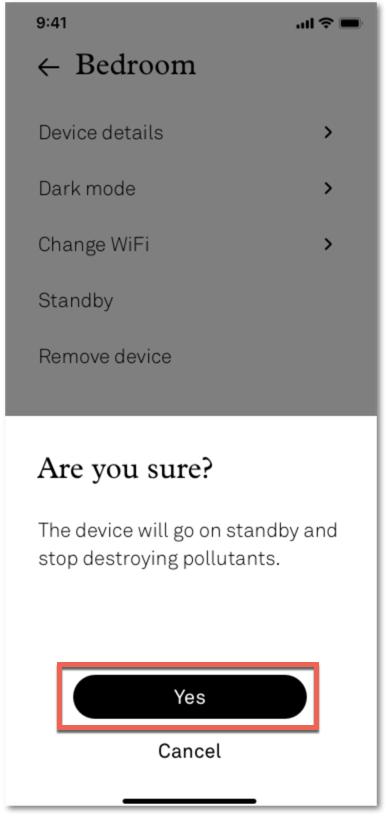
Use standby mode to turn off the light and fan on your Molekule Air Mini or Mini+. Standby mode can be accessed directly on the air purifier or through the mobile app.
To Turn On/Off Standby Mode on the Air Mini or Mini+:
- Wake up your Air Mini or Mini+ by tapping the center of the display once.
- Press and hold the center for 3 seconds to put it into standby mode.
To Turn On/Off Standby Mode on the App:
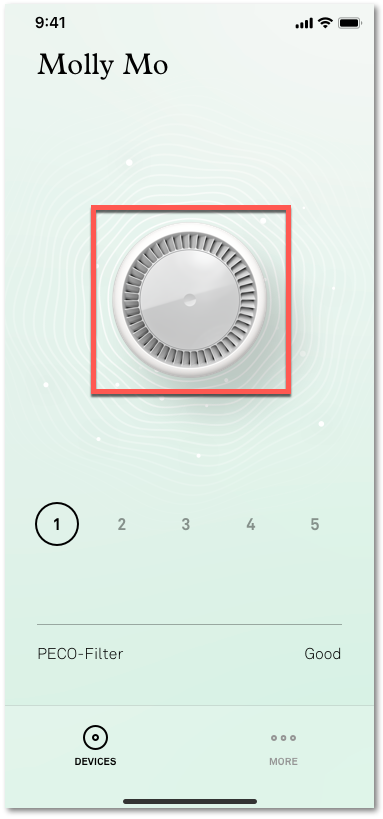
- On the purifier screen, tap and hold on the image of the Air Mini.
- Select Yes on the standby confirmation screen.
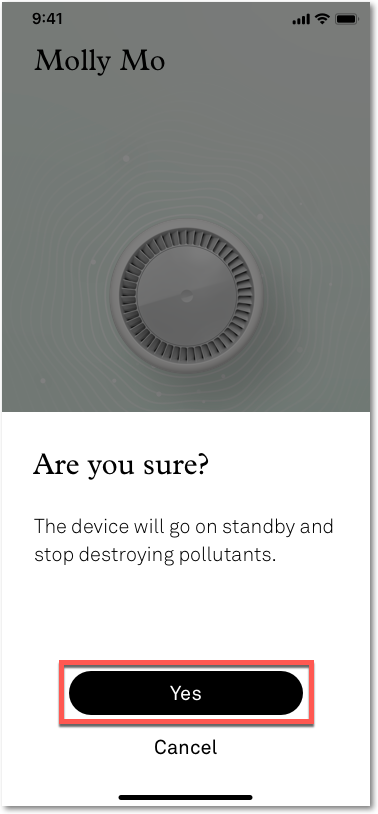
You can also access standby mode in the MORE section of the app.
- From the purifier screen, select MORE.

- Select the device you'd like to put in standby mode.

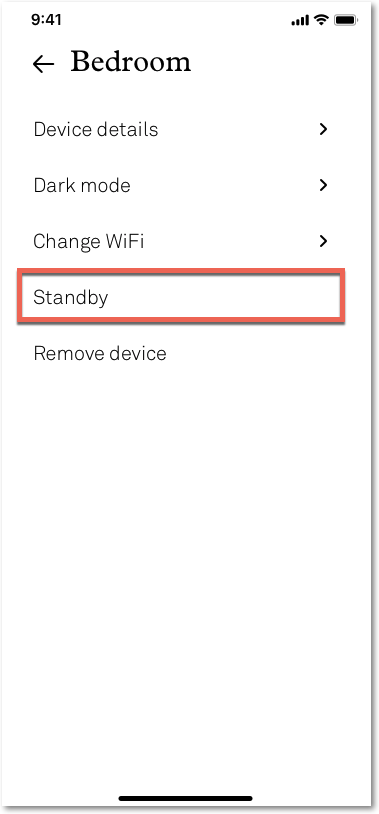
- Tap on standby mode.
- Select Yes.